
Features That Spark Curiosity. Make Every
Lesson Feel Like an Adventure.
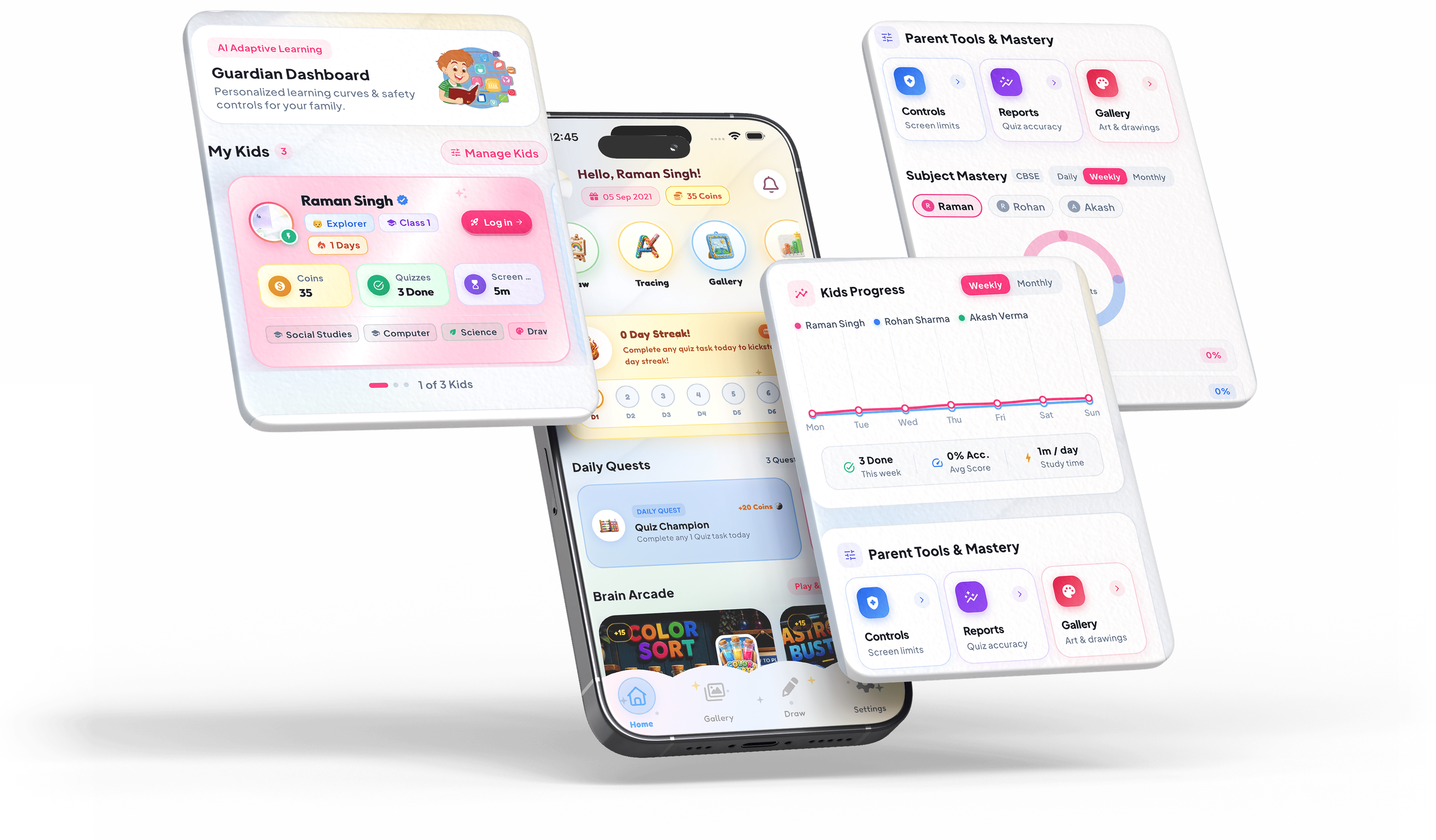
Smart Screen Limits
- Set custom daily screen budgets and scheduled bedtime device pauses
- Block distracting apps and websites with instant remote control
Adaptive AI Guidance
- Interactive curriculum-aligned quizzes that automatically adjust difficulty
- Voice read-aloud support for early readers with instant audio hints
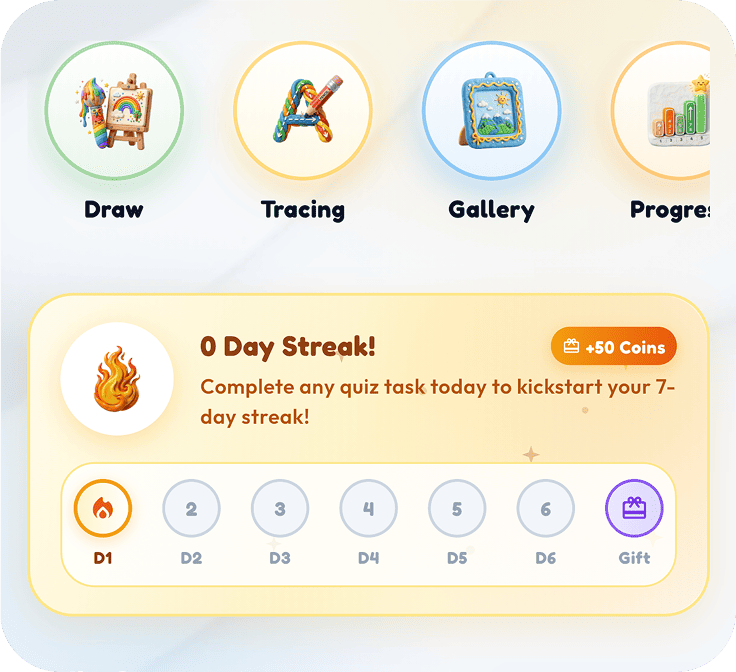
Streaks & Star Badges
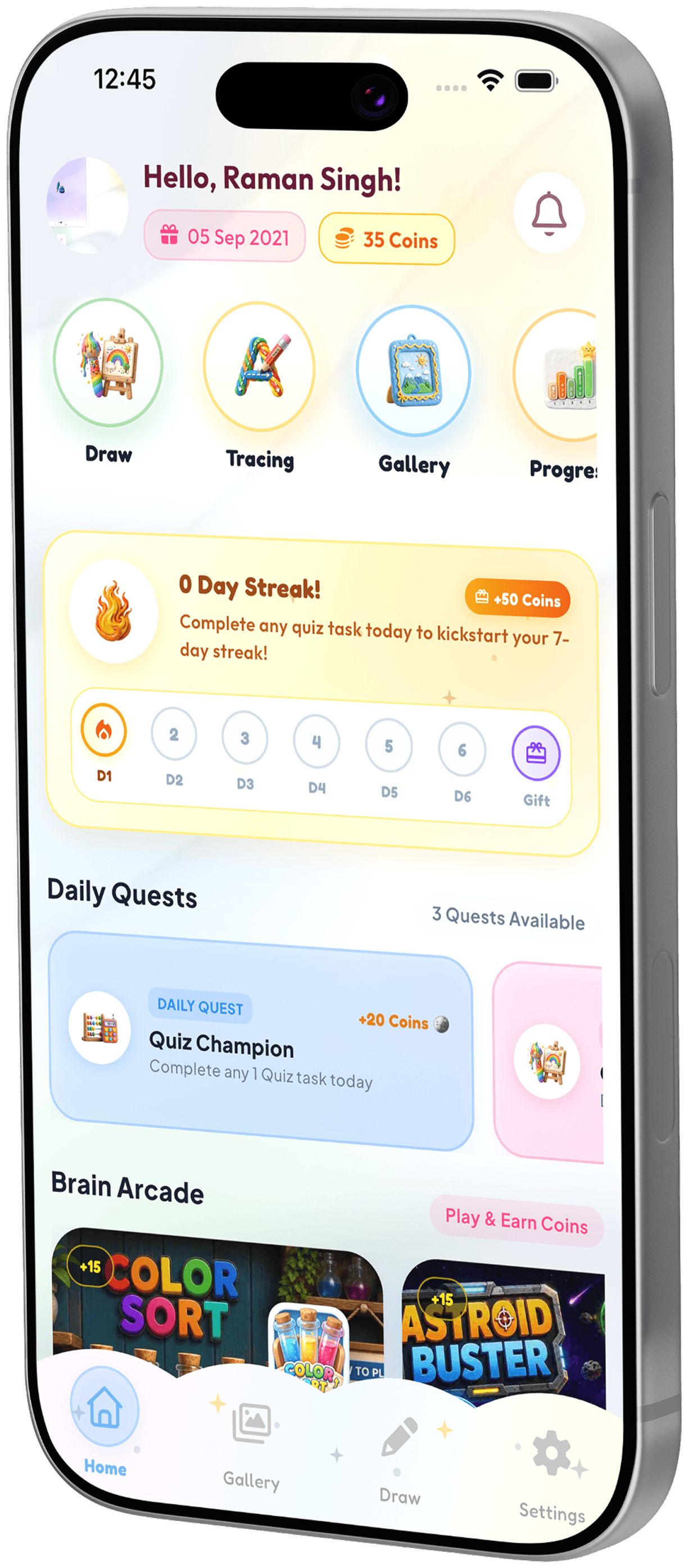
- Kids earn bonus screen minutes and avatar coins by completing quests
- Celebrate subject mastery milestones and weekly learning streaks
Powerful Functionalities
Designed from the ground up to turn screen time into an
engaging, structured learning journey.
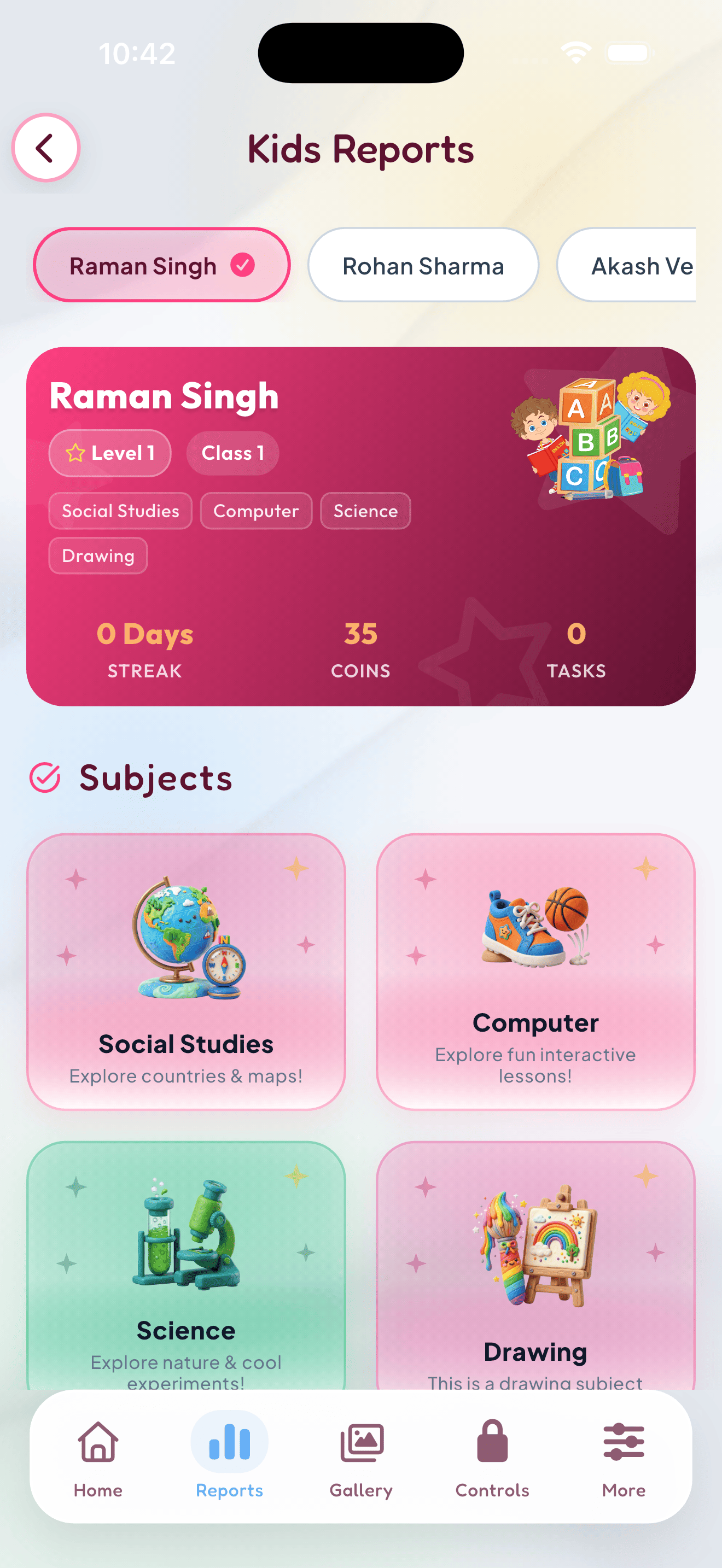
Adaptive Curriculum for Every Age & Stage
- Standard Syllabus Aligned
- Progressive Difficulty
- Multi-Subject Mastery
- Continuous Assessment
You’re Always in
Total Control
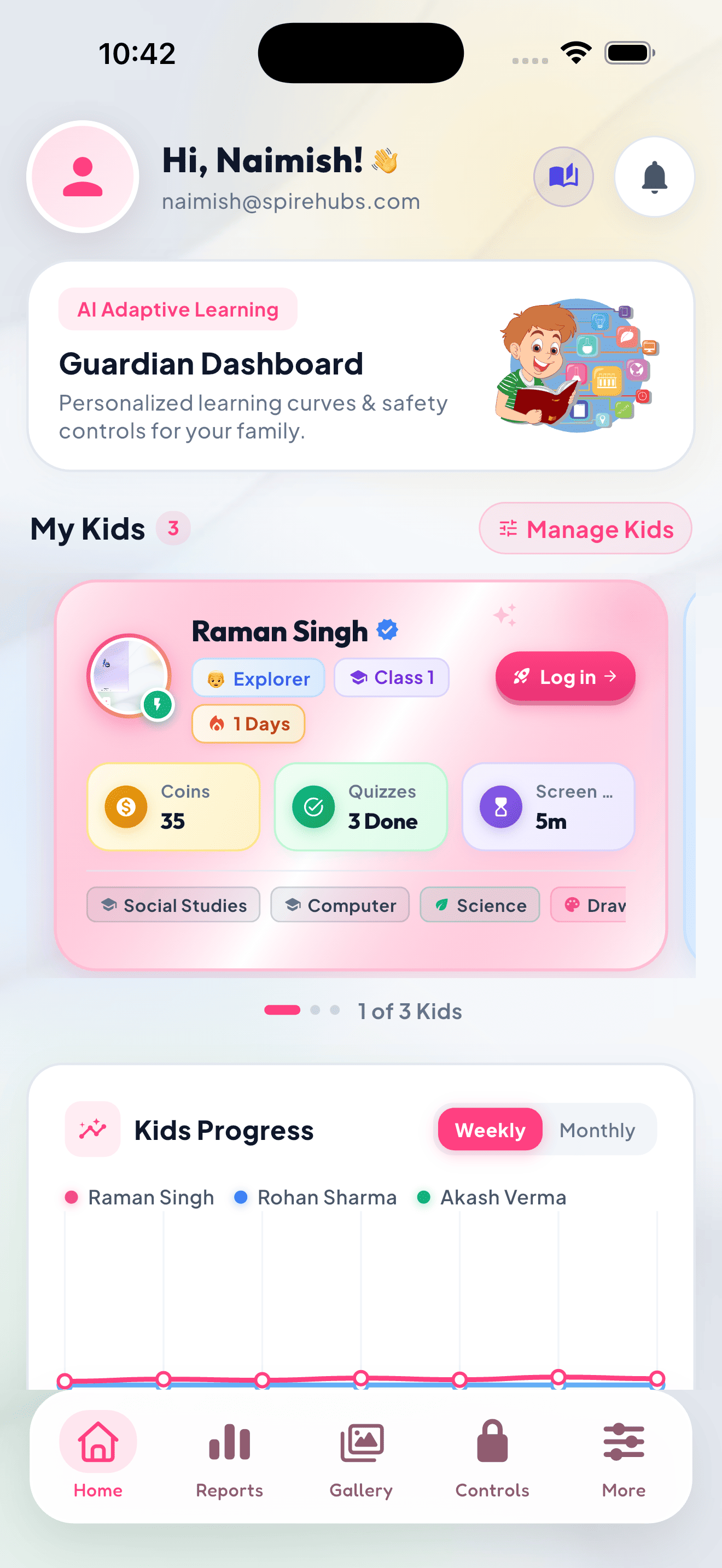
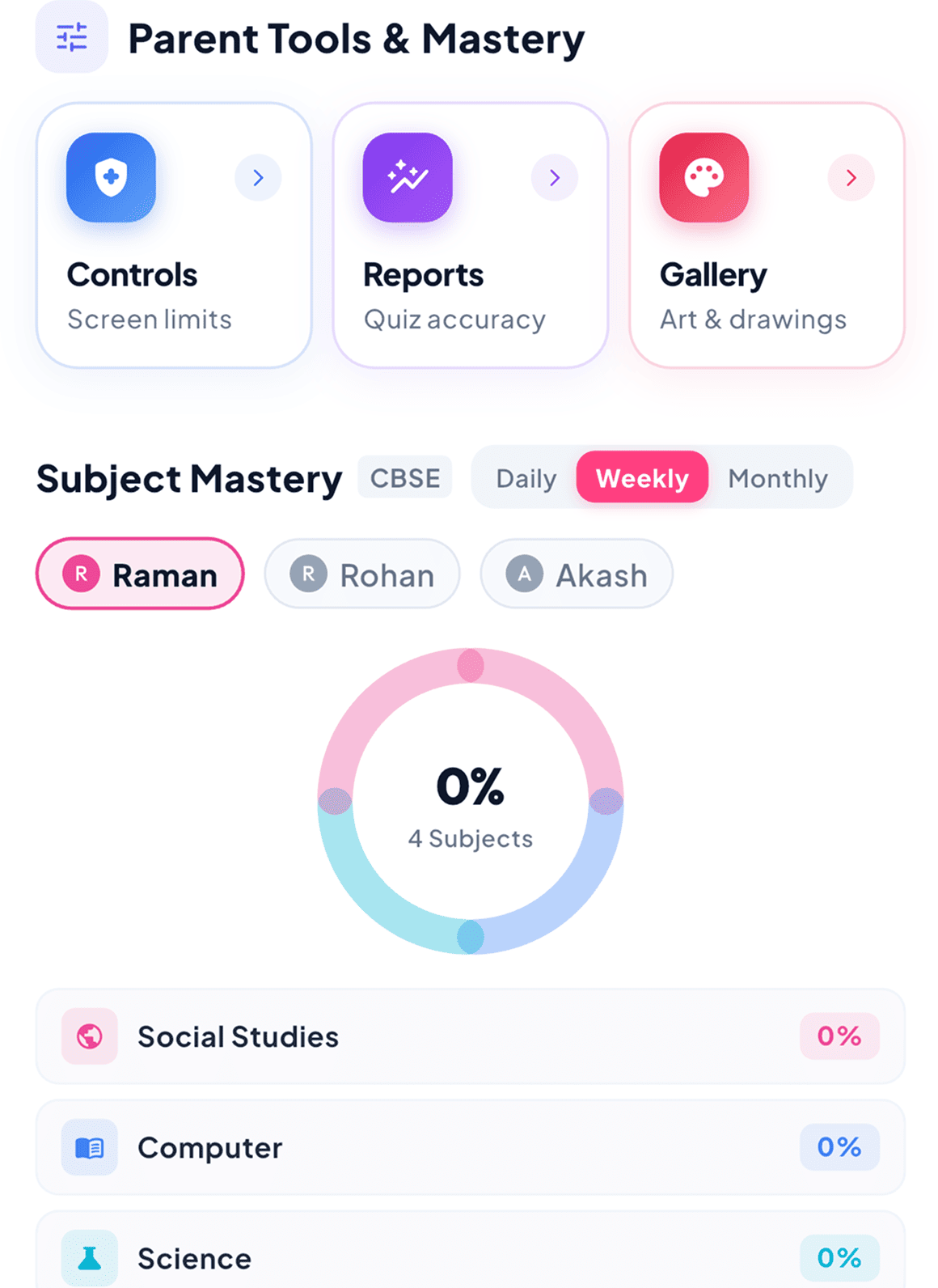
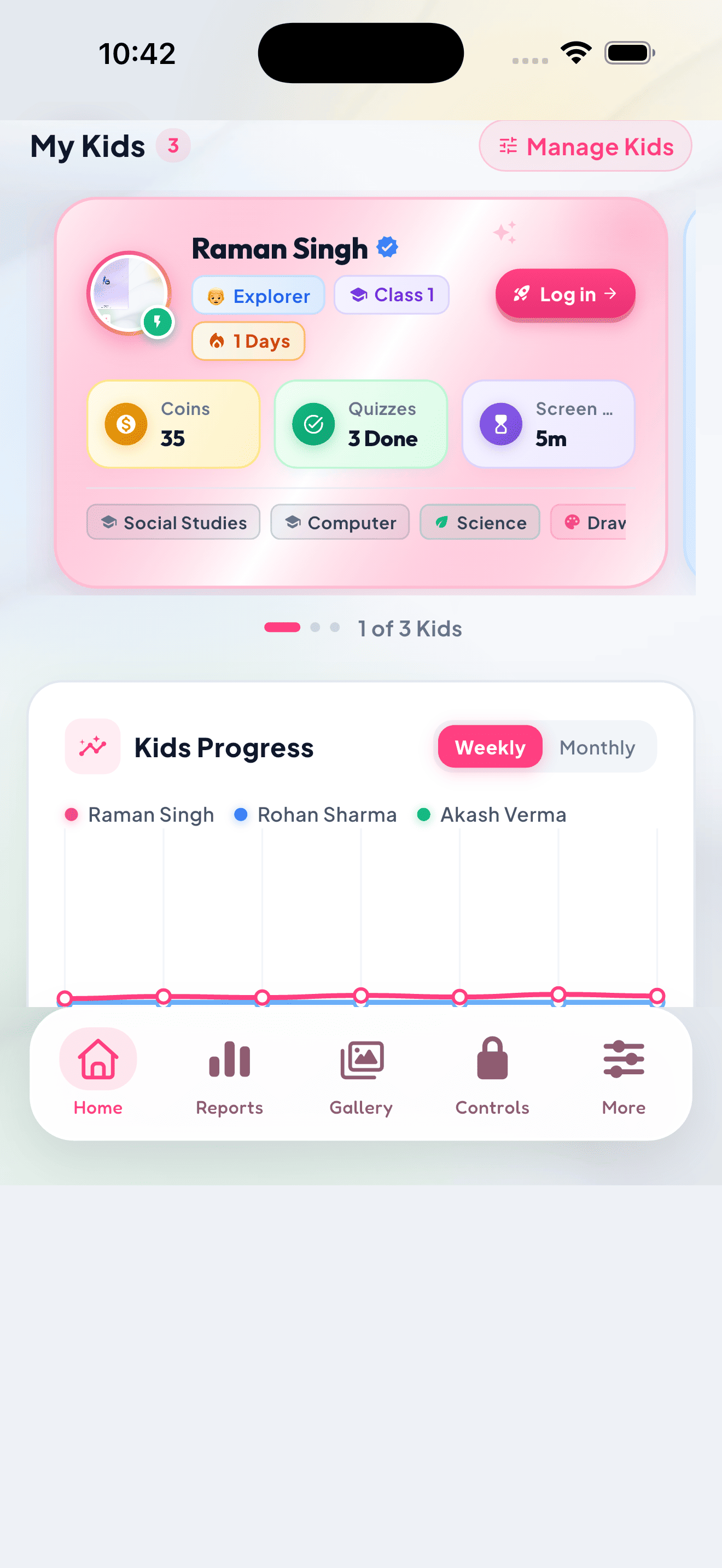
Configure healthy daily screen limits, monitor quiz accuracy, and track learning milestones with zero daily friction.
Smart Screen Allowances
Set custom daily screen budgets, schedule study pauses, and automatically lock restricted apps at bedtime.
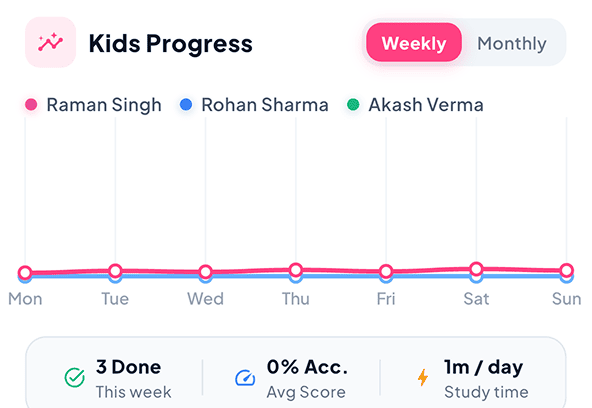
Real-Time Learning Insights
Track weekly quiz accuracy, subject strengths, and learning streaks with comprehensive parent analytics.
PIN-Protected Safety
Secure parent settings, rules, and dashboard mode with encrypted 4-digit PIN access and zero unauthorized changes.
How It Works in
Set Daily Goals & Limits
Configure age-appropriate screen budgets, bedtime pauses, and app rules.
Kids Learn & Earn Rewards
Children complete interactive quizzes to unlock bonus screen time & games.
Track Growth & Milestones
Review weekly subject accuracy, streak awards, and progress analytics.
Trusted By Families
Parents See Real Progress. Kids Stay Motivated.

Sarah Jenkins
Mother of 2 (Ages 6 & 8)SpireKids turned daily screen-time battles into productive learning. My 8-year-old now enthusiastically finishes her math quests to earn gaming minutes!
David Chen
Father of a 7-Year-OldThe Guardian Dashboard is a lifesaver. I can see my son's reading comprehension accuracy in real-time and set automatic bedtime locks.
Priya Sharma
Educator & ParentAs an elementary teacher, I'm thrilled with the curriculum alignment. The phonics and adaptive quizzes truly match standard grade syllabi.
Marcus Miller
Father of 3Being able to switch between profiles on one phone and set distinct daily study goals for each kid makes parenting so much simpler.
Emily Watson
Mother of a 5-Year-OldZero ads, zero social feeds, and 100% child-safe. My daughter loves the drawing tools and letter-tracing companion characters.
Rajesh Patel
Tech Professional & DadThe instant remote pause button and PIN security give me total peace of mind. Hands down the best smart parenting app we've tried.
Jessica Taylor
Homeschooling MotherThe weekly mastery reports help me pinpoint exactly where my son needs extra practice. The streak badges keep him genuinely motivated.
Alex Martinez
Father of Twins (Age 9)Transforming learning into currency for screen time is genius. Both of my kids now practice math every single day without complaints.